What should be the quality of the Point Cloud for modeling in Revit

Kseniya Kutsenko
27.03.24
The quality of a 3D model in Revit is directly tied to the quality of the Point Cloud data. Accurate point clouds ensure precision in Scan to BIM workflows and are critical for achieving high-quality BIM modeling outcomes.
With the rapid advancement of digitalization in the AEC industry, tools like laser scanning have become indispensable in construction projects. However, despite its widespread use, global standards for point cloud quality are still evolving. As a result, low-quality point clouds can make 3D model creation in Revit challenging and less efficient.
At BIMPROVE, we understand the importance of delivering Scan to BIM models that meet customer expectations and project requirements. Our experts process point clouds by cleaning unnecessary debris, checking registration accuracy, and optimizing data density for seamless modeling in Revit. While we often provide these enhancements at no cost to support our clients, we believe starting with a high-quality point cloud is the best approach. If your point cloud needs refinement, our specialists are here to help.
With 8 years of experience and thousands of completed projects, we have established proven criteria for point cloud quality. These standards ensure accurate, efficient, and timely project delivery.
If you specialize in laser scanning, we’d be delighted to explore partnership opportunities - email us to discuss potential collaboration.
And remember, you won't get a good model without a good cloud.
Our personal requirements for the Point Cloud
Registration
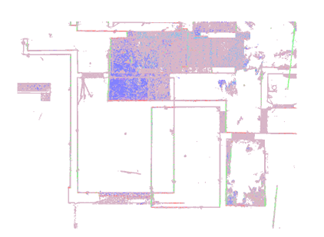
Unfortunately, very often during modeling, we find inconsistencies between clouds or within the same cloud. We think it is clear that it is very difficult to understand what exactly is correct when in the middle of one room you can see another room. We cannot always solve this problem on our own, so it will increase the time of the project.
Density
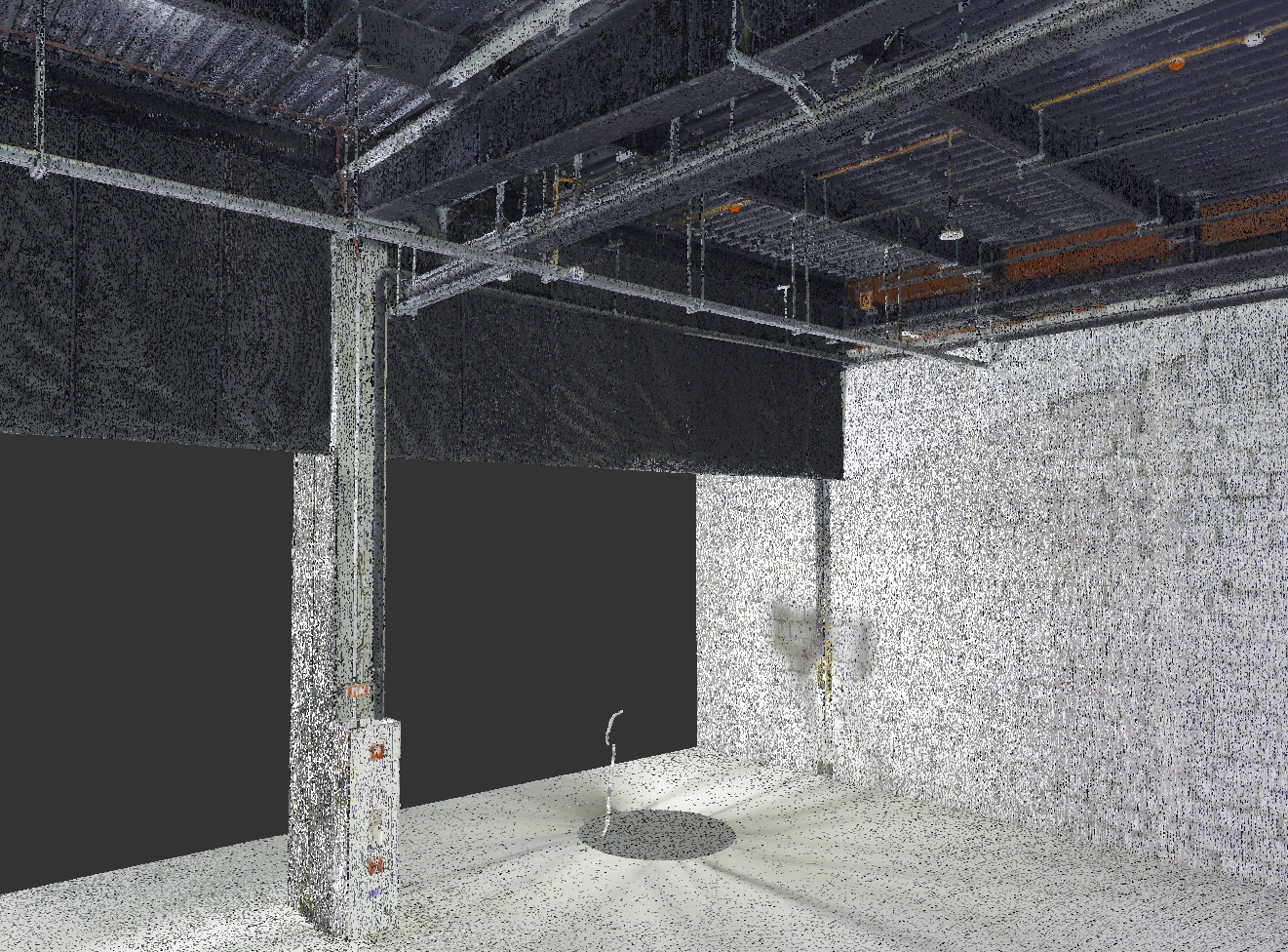
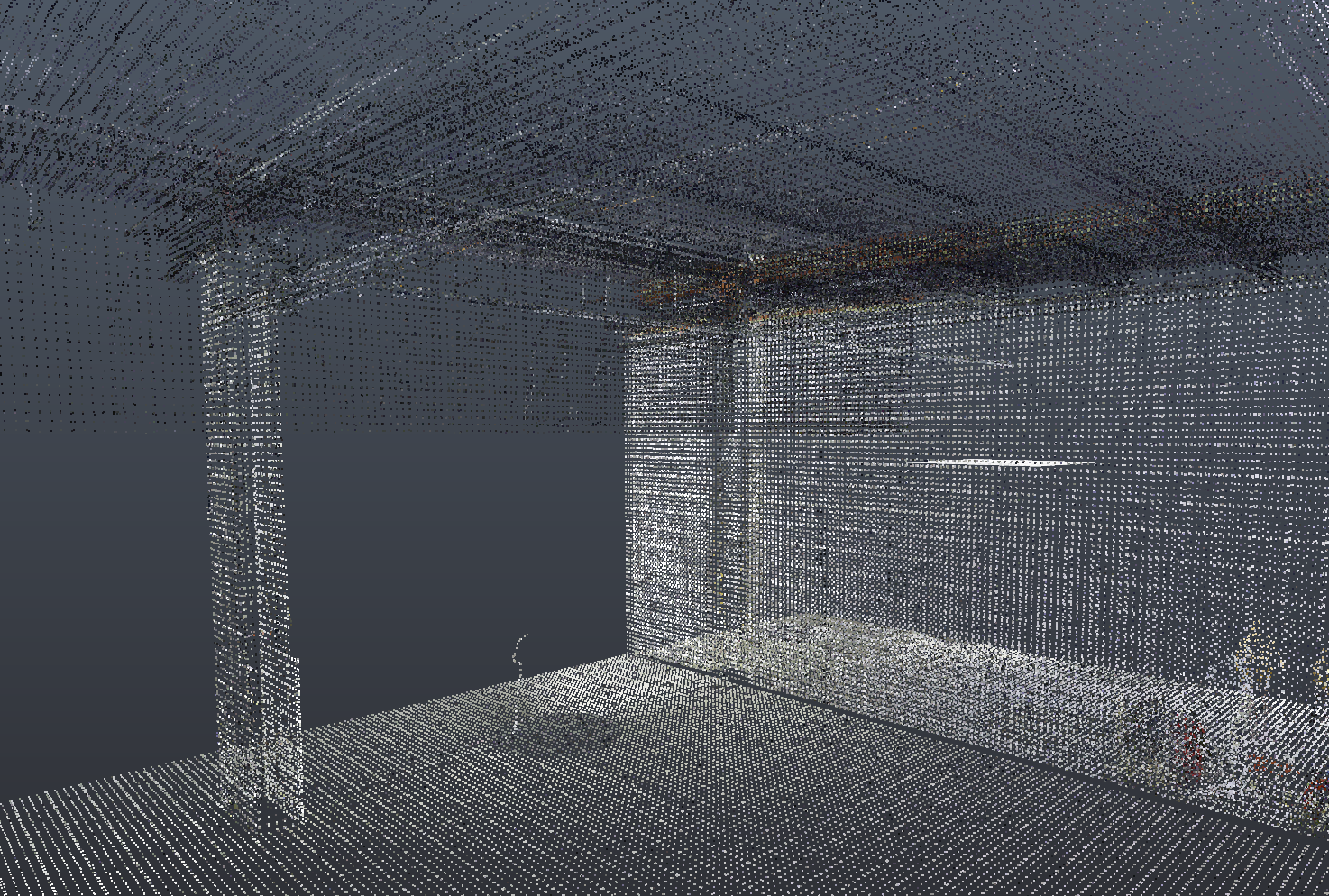
Cloud saturation is also important. It is clear that using a cloud that weighs 300 GB is inconvenient, but during thinning, you must understand that the fewer points, the more difficult it will be to see small elements. Therefore, it is worth balancing between size and quality.
Zoning
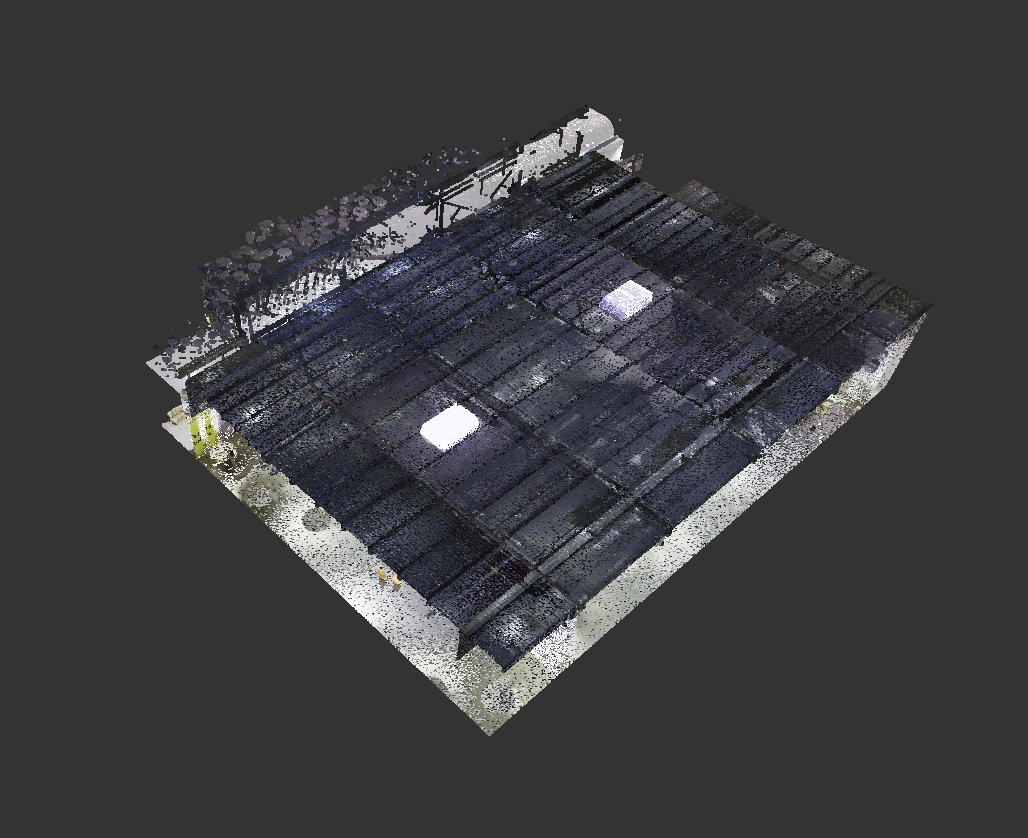
Going back to cloud sizes, there is one very easy way to solve this. You can simply cut off the excess. We often do it ourselves: we cut the cloud and leave only the area that needs to be modeled.
Completeness
It is very good when we have drawings and can add elements from them that were not scanned. But, unfortunately, drawings are not always available. Therefore, it is important to have all corners and hard-to-reach places scanned on the cloud.
Colors
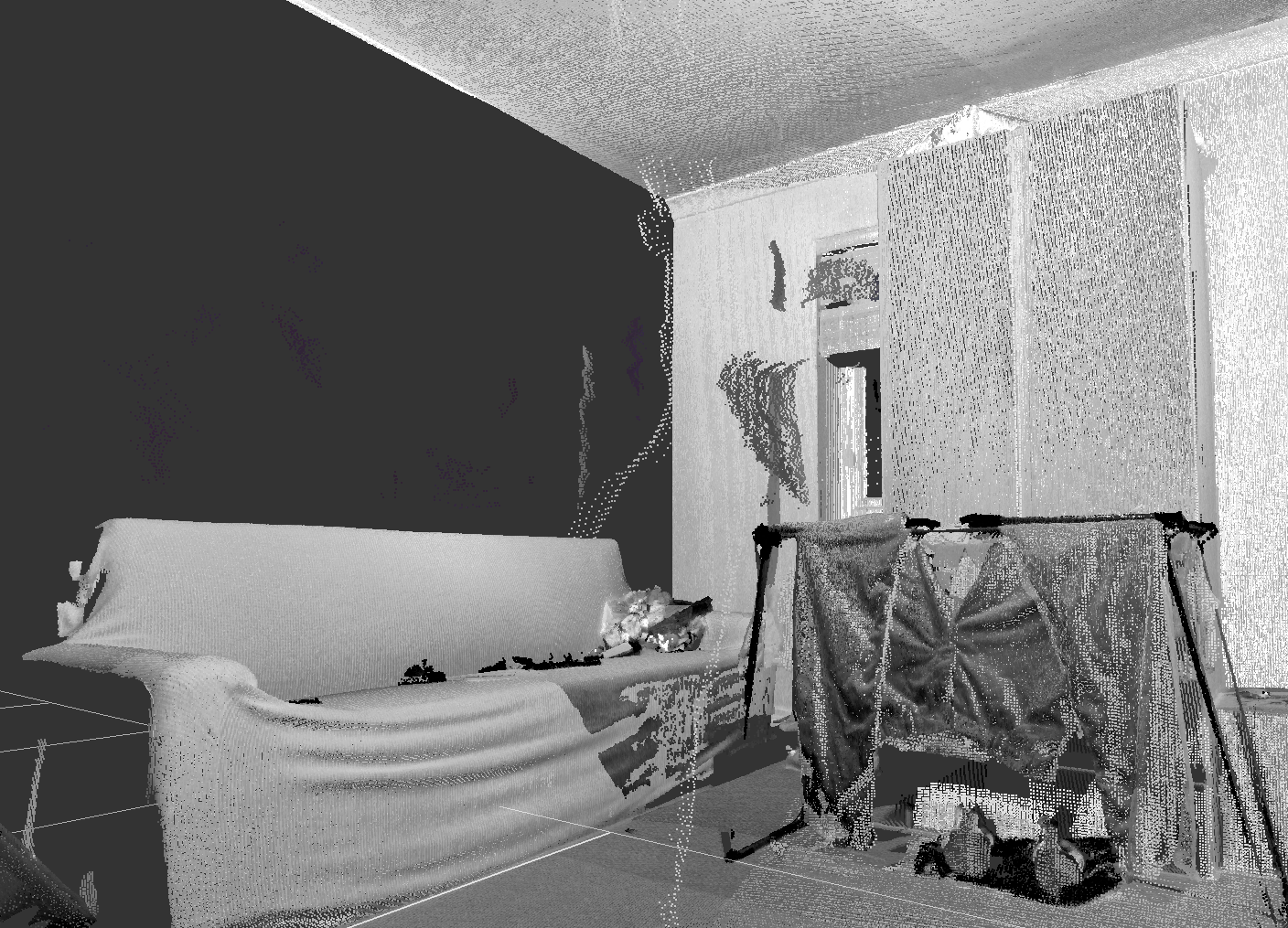
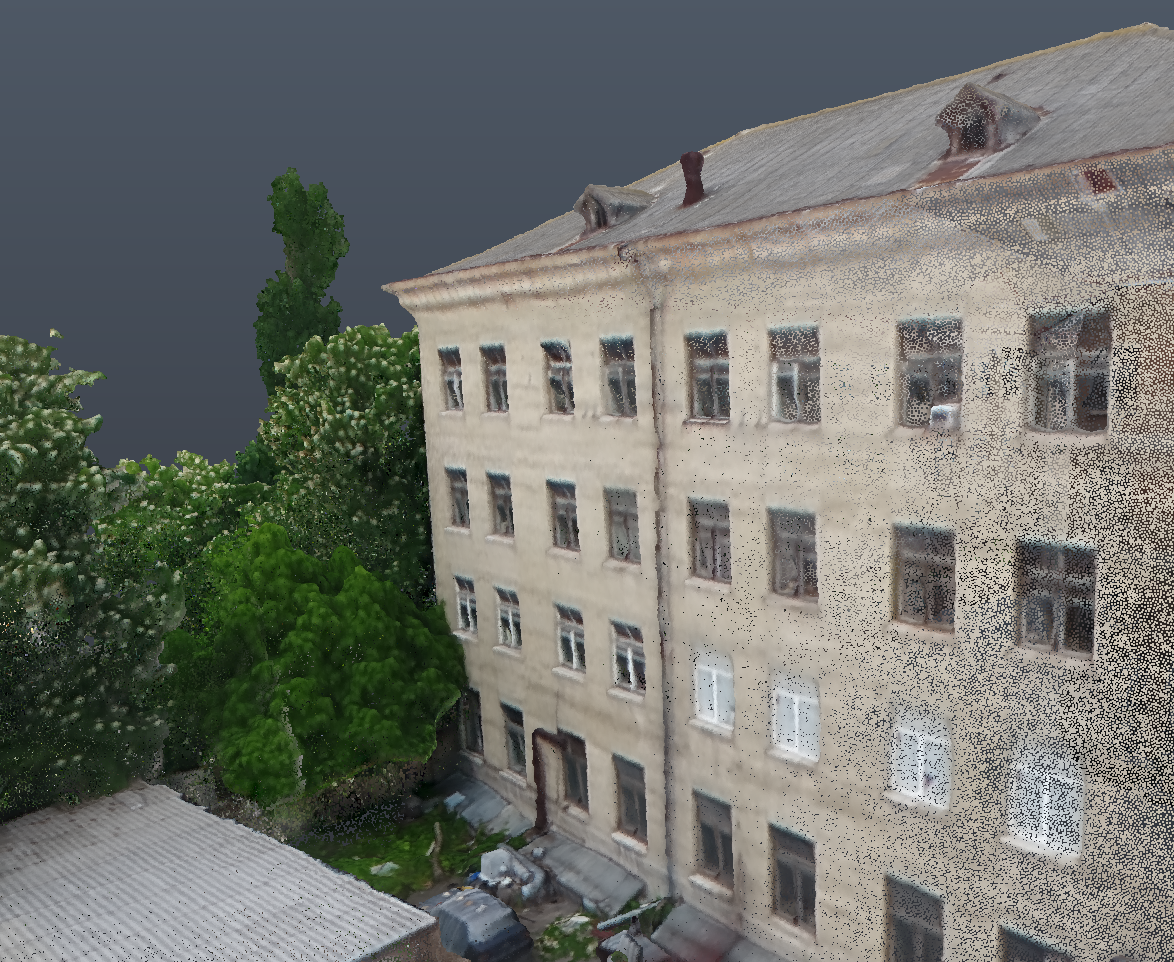
Of course, we can model on black and white clouds. But we won't be able to specify materials for such a cloud, so if the model has to be colored, then the cloud must too.
360 view
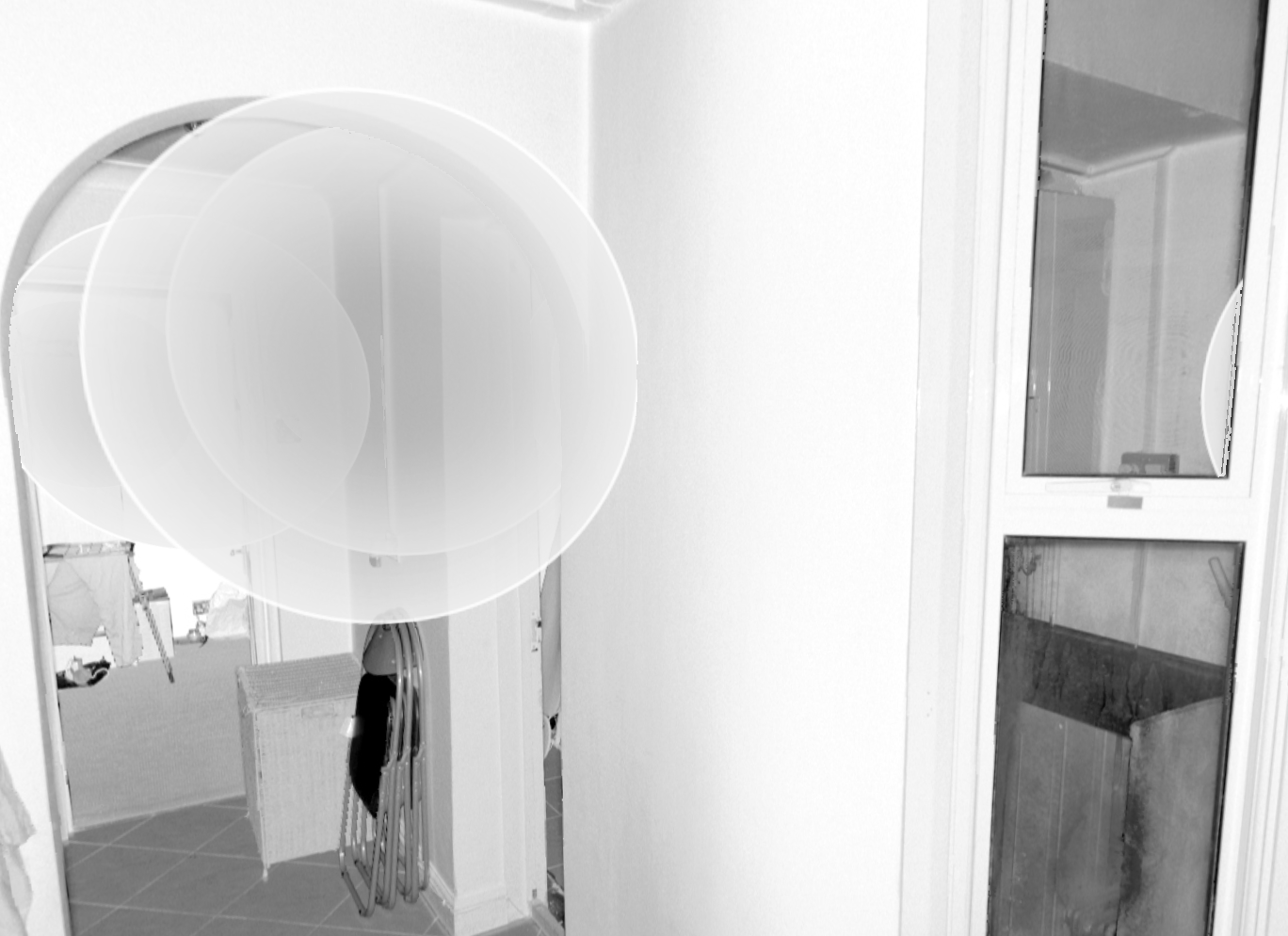
If the customer wants to have a model in great detail, it will be difficult to do without 360 views. We are always glad when the customer provides them to us because they greatly reduce the possibility of mistake. Here we can see all the small elements and dark corners. In other words, these views are a real gift for a modeler.
Conclusion
These 6 points are not just our desires, they are developed to optimize the work not only the work of 3D modelers, but also to reduce inconsistencies with the customer and the performer. A quality point cloud is clearer, easier to process, and, as practice shows, reduces the number of unpleasant situations in communication. Remember that you will not get a good model without a good cloud.
If you need Scan to BIM specialists, write to us, and we will consult you and help you in the realization of your projects.
Share:






SOCIAL MEDIA







© Copyright BIMPROVE company LLC. All rights reserved 2026. Privacy Policy.